What Is AI Calendar Integration for Healthcare Clinics?
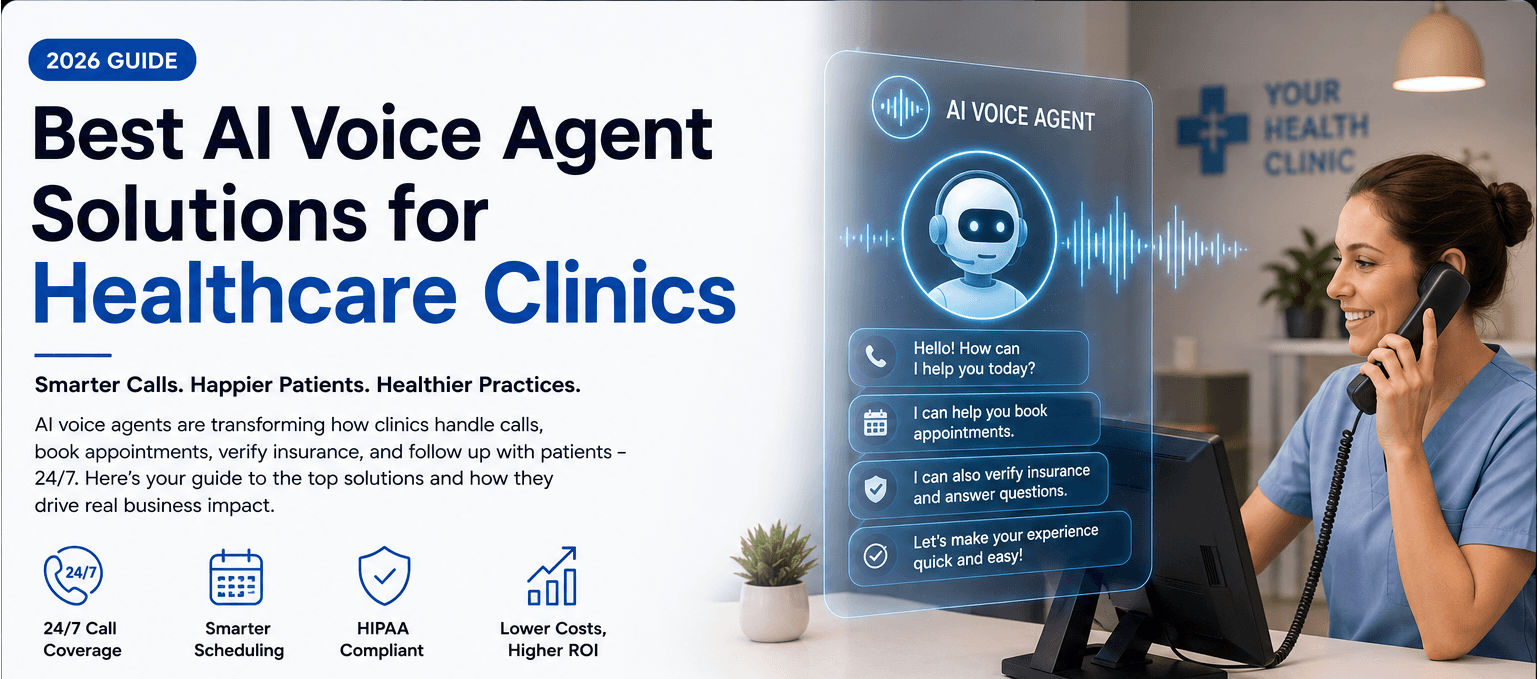
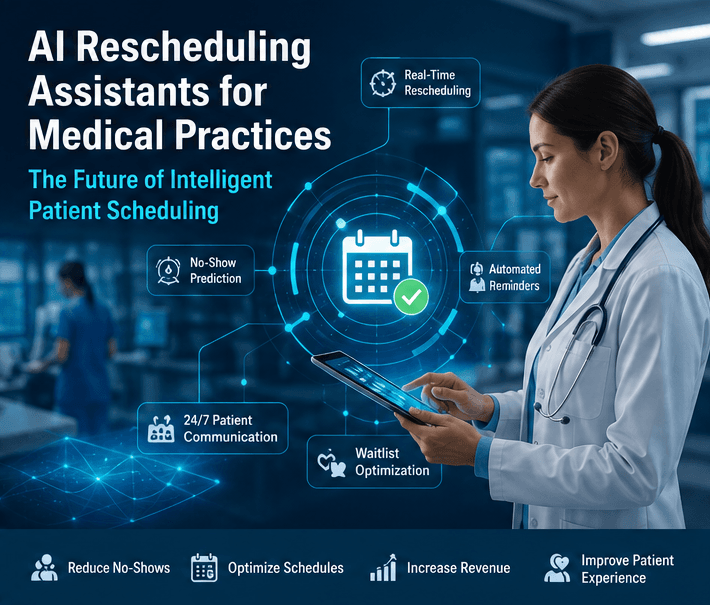
AI calendar integration connects your clinic's scheduling system with an AI receptionist, allowing appointments to be booked, changed, or canceled without someone at the front desk having to manage every request manually.
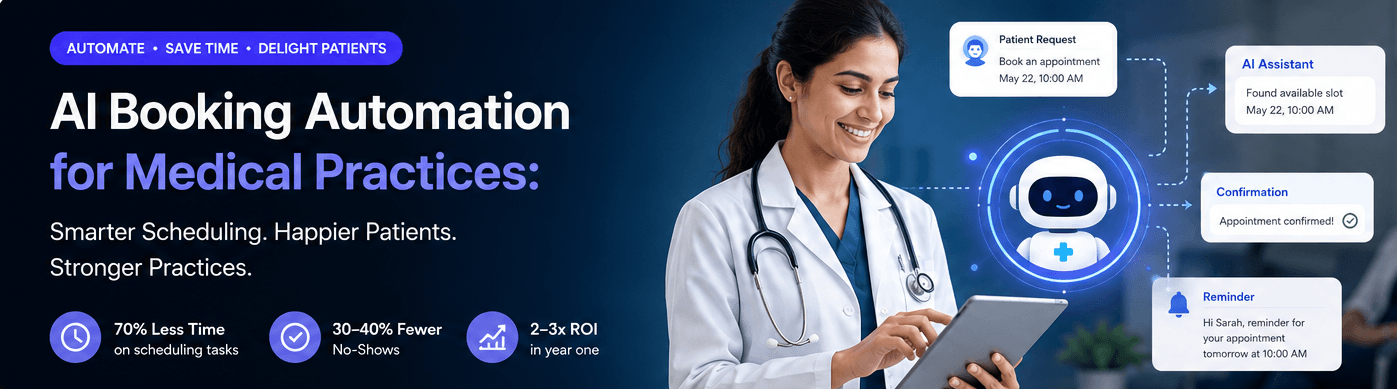
When a patient calls, the AI checks your calendar in real time, finds available appointment slots, books the visit, updates the schedule instantly, and sends a confirmation all during the same conversation.
Because the calendar stays synchronized across your scheduling software, patients always receive accurate availability, and your staff spend less time answering routine scheduling calls.
AI calendar integration can handle tasks like:
- ■ Booking new appointments
- ■ Rescheduling appointments
- ■ Canceling appointments
- ■ Checking provider availability
- ■ Sending appointment confirmations
- ■ Scheduling reminder messages
- ■ Managing multiple provider calendars
- ■ Booking telehealth appointments
- ■ Updating calendars in real time
- ■ Filling open appointment slots
The goal isn't to replace your front desk team. It's to take repetitive scheduling work off their plate so they can spend more time helping patients who need personal attention.
Why More Healthcare Clinics Are Using AI Calendar Integration
For many clinics, appointment scheduling takes up a large part of the day. Receptionists answer the same questions repeatedly, check availability, move appointments around, and update calendars while also helping patients standing at the front desk.
When the phone keeps ringing, it becomes easy to miss calls or place patients on hold. Some callers won't wait, and many won't leave a voicemail they'll simply book somewhere else.
AI calendar integration keeps your scheduling system working even when your team is busy. Patients can book or change appointments at any time, while your calendar updates automatically in the background.
Common scheduling challenges include:
- ■ Missed appointment calls
- ■ Double bookings
- ■ Time spent managing schedule changes
- ■ High administrative workload
- ■ After-hours appointment requests
- ■ Last-minute cancellations
- ■ Appointment no-shows
- ■ Keeping multiple provider calendars updated
By automating these routine scheduling tasks, clinics can answer every appointment request while giving reception staff more time to focus on patients inside the practice.
Scheduling Tasks AI Calendar Integration Can Automate
Appointment Booking
Patients don't have to wait for someone at the front desk to become available. The AI checks your live calendar, offers open time slots, books the appointment, and confirms the visit immediately.
- ■ Schedule new appointments
- ■ Find available time slots
- ■ Match patients with the right provider
- ■ Send instant confirmations
Appointment Changes
Plans change, and patients often need to move appointments. Instead of calling back later or waiting on hold, they can reschedule or cancel in minutes while the calendar updates automatically.
- ■ Reschedule appointments
- ■ Cancel appointments
- ■ Update provider schedules instantly
- ■ Reopen canceled time slots
Appointment Reminders
AI can automatically send reminders before upcoming visits, helping patients remember their appointments and reducing the number of missed visits.
- ■ SMS reminders
- ■ Email confirmations
- ■ Reminder phone calls
- ■ Appointment confirmation requests
Managing Multiple Provider Calendars
If your practice has several doctors or specialists, AI checks each provider's schedule before offering appointment times. This helps avoid conflicts and keeps every calendar accurate.
After-Hours Scheduling
Patients don't stop needing appointments when your clinic closes. With AI calendar integration, they can still book, change, or cancel appointments any time of day, while your scheduling system stays updated automatically.
Key Takeaways
- •AI calendar integration allows patients to book, reschedule, and cancel appointments using real-time availability.
- •Automated calendar synchronization keeps provider schedules accurate and helps prevent double bookings.
- •Healthcare clinics can reduce administrative workload by automating routine scheduling tasks and appointment management.
- •Patients can schedule appointments 24/7 without waiting on hold or calling back during office hours.
- •AI integrates with practice management software, EHRs, EMRs, and scheduling platforms to streamline clinic workflows.
- •Automated reminders and confirmations help reduce no-shows and improve appointment attendance.
- •AI supports front desk teams by handling repetitive scheduling requests, allowing staff to focus on patient care.
- •Faster scheduling, fewer missed calls, and real-time calendar updates improve both operational efficiency and the overall patient experience.
Feature Comparison Analysis
| Feature | Manual Appointment Scheduling | AI Calendar Integration |
|---|---|---|
| Appointment Booking | Staff manually books appointments during office hours | Patients can book appointments automatically 24/7 |
| Calendar Updates | Updated manually with risk of errors | Real-time synchronization across scheduling systems |
| Appointment Changes | Requires staff to reschedule or cancel appointments | Patients can reschedule or cancel appointments automatically |
| Provider Availability | Staff checks schedules manually | AI checks live provider availability instantly |
| Appointment Reminders | Often sent manually or through separate tools | Automated reminders and confirmations reduce no-shows |
| Administrative Workload | High due to repetitive scheduling tasks | Lower by automating routine appointment management |
| Patient Experience | Hold times and missed calls are common | Faster scheduling with instant responses anytime |